5 Animated App Mockups for Interface Presentations
Craftwork
08 October 2026
4 mins to read
Animated app mockups give UI designers and product teams a clearer way to present mobile flows, responsive interfaces, and polished screen designs. This selection covers iPhone, Android, and MacBook scenes for portfolio reels, investor pitches, landing pages, social media, and product presentations. Each mockup offers a different device context, visual setting, or motion capability so you can match the asset to the story your interface needs to tell.
In this article
Craftwork Newsletter
Get the latest news, tutorials, resources, tools, and new product releases directly to your inbox every week.
Log in with your Craftwork account first and claim your gifts on the newsletter page.
Subscribing our newsletter you agree to our Terms of Use and Privacy Policy.
Animated App Mockups for iPhone
These iPhone mockups suit mobile app concepts that need a focused device presentation. Choose between a flexible general-purpose scene, a natural textured setting, or a current iPhone 15 Pro format.
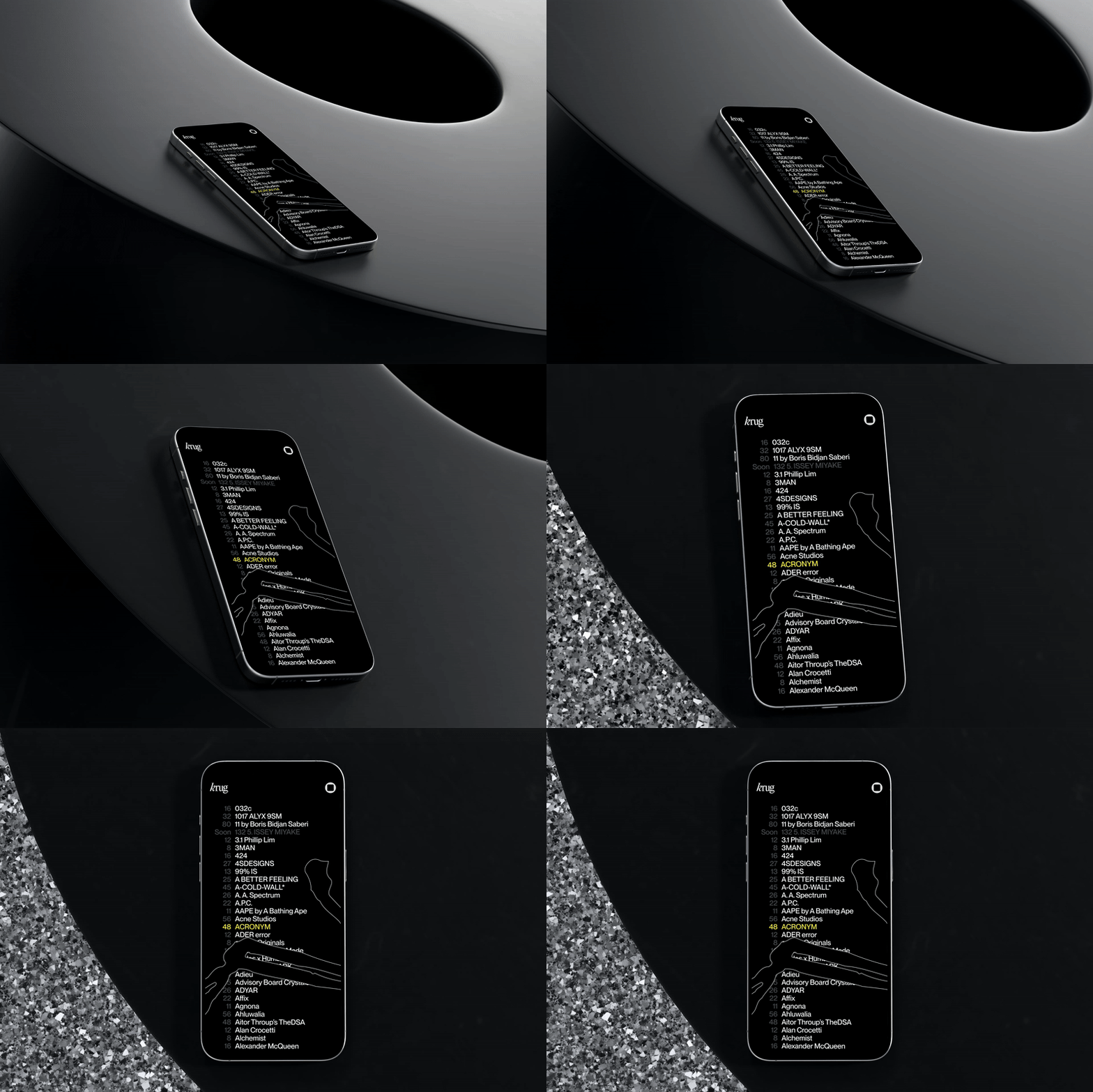
Animated iPhone Mockup Vol.01
Animated iPhone Mockup Vol.01 is built for app demos, investor pitches, websites, and social media visuals. It supports various screen sizes and orientations, giving UI designers a flexible way to place interface work into moving iPhone presentations without limiting the layout to one display format.
Animated Sandstone iPhone Mockup

Animated Sandstone iPhone Mockup presents an iPhone 14 Pro Max on a sandstone surface, adding a natural material context to an app presentation. It is a useful choice when a flat device render feels too plain and the interface needs a more editorial setting for portfolio or presentation work.
Animated iPhone 15 Pro Mockup

Animated iPhone 15 Pro Mockup provides a dynamic device presentation for mobile apps and websites. Its iPhone 15 Pro framing fits product teams showing contemporary interface designs, while the animated treatment helps turn static screen work into a more engaging presentation asset.
Desktop and Android Motion Scenes
Use these options when the product needs a larger web interface context or an Android device reference. Both provide defined animated scenes for motion-based presentations, but they serve different screen and platform needs.
MacBook Animated Mockups

MacBook Animated Mockups includes four animated scenes at 4000×3000 px with 60 fps playback. The set is designed for websites, apps, and UI work, making it suitable for portfolio reels, product pages, web presentations, and motion previews where a larger screen helps show more of the interface.
Pixel 4 XL Animated Mockups

Pixel 4 XL Animated Mockups includes four animated scenes with 4000×3000 px resolution and smooth 60 fps motion. It gives designers an Android device context for mobile apps, landing pages, product promotions, portfolios, and social media presentations.
How to pick the right mockup
Start with the device your audience will associate with the product. Choose an iPhone scene for a focused mobile app flow, the Sandstone version when the presentation benefits from a textured physical setting, or the iPhone 15 Pro for a current device frame. MacBook scenes work better for websites and interfaces that need more screen area, while the Pixel 4 XL keeps an Android product presentation specific. If playback quality matters, compare the listed resolution and 60 fps details; if flexibility matters more, prioritize screen-size and orientation support. Explore the Craftwork catalog for more presentation assets for your next interface showcase.
Read more
Explore all